01All plans

One look in the morning. And you're all set.

The Today screen is where you start. It shows you exactly what matters right now, and nothing that distracts you.

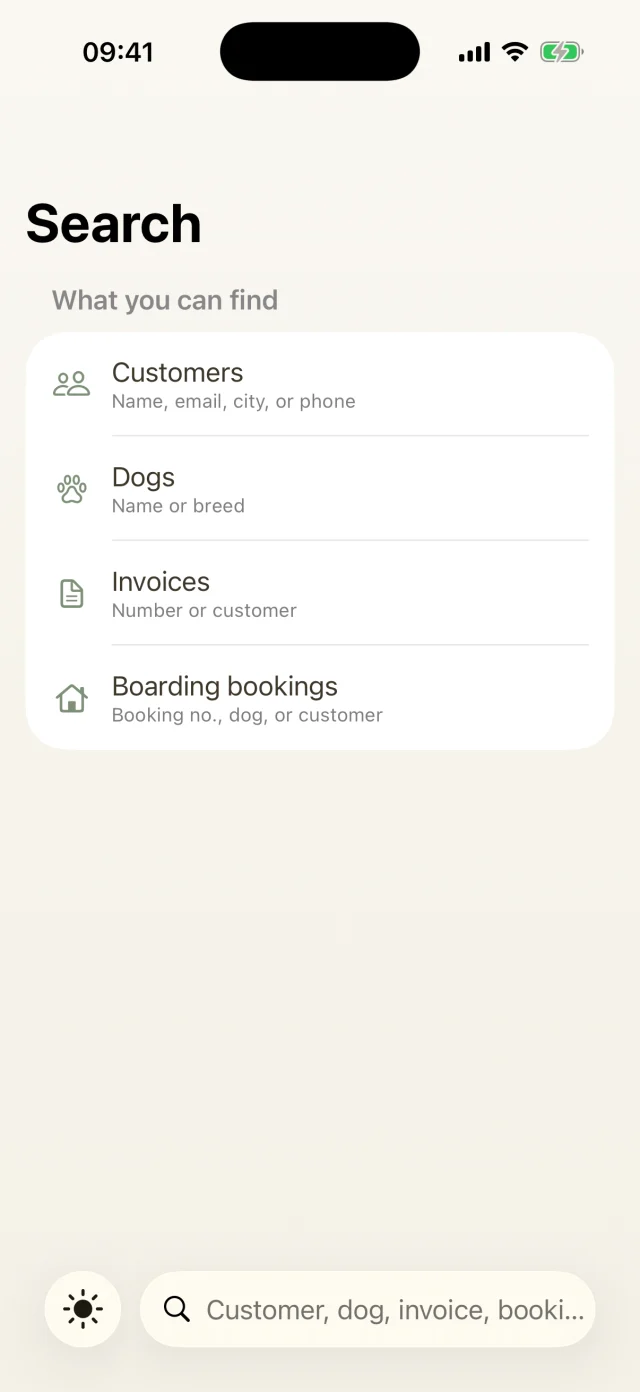
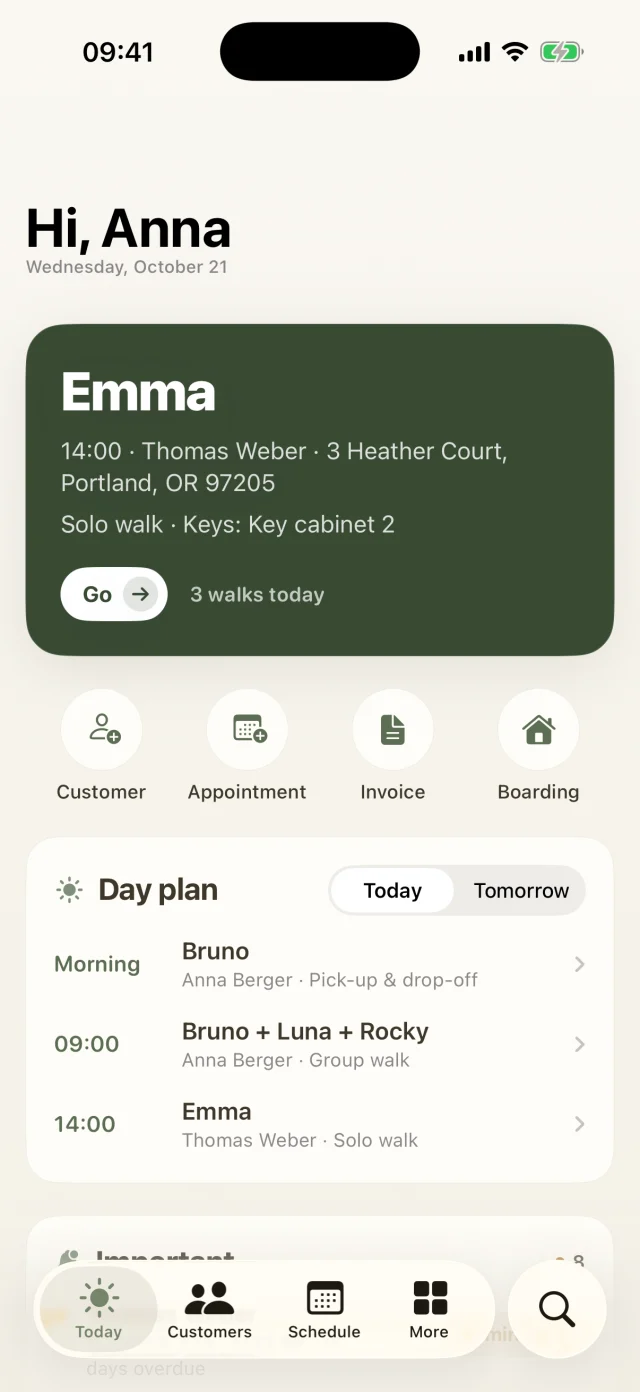
Today screen with the next walk, quick actions and the daily plan.
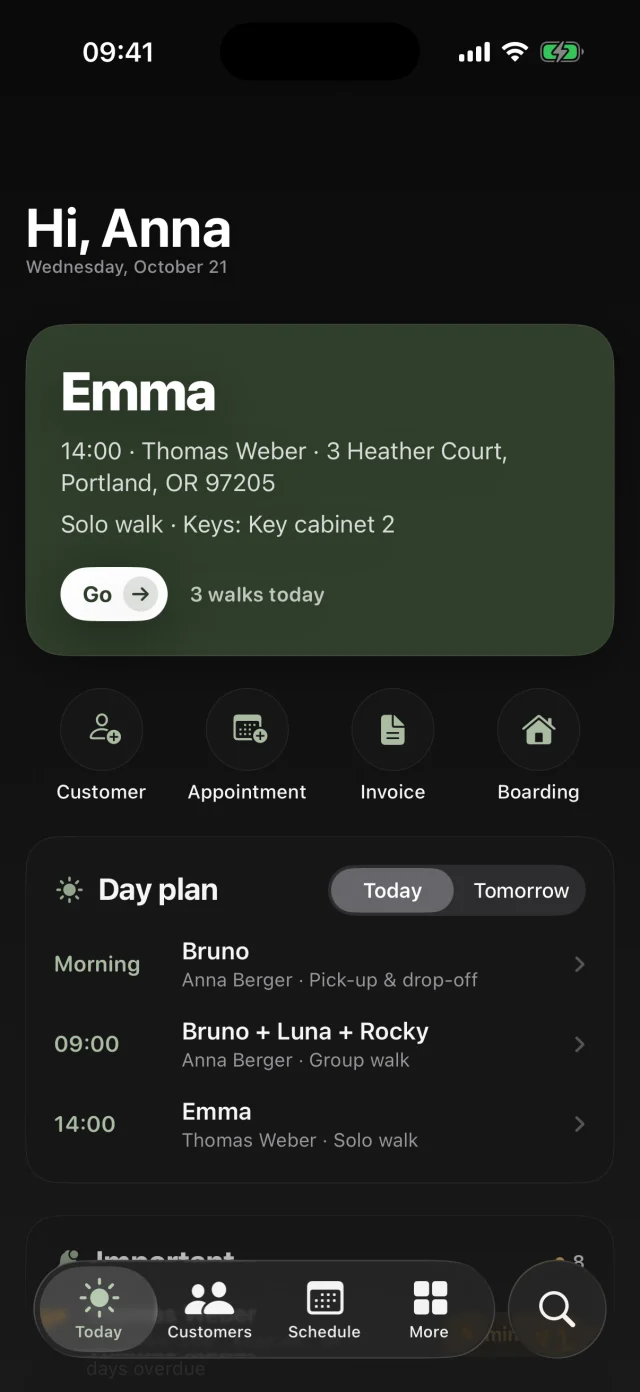
The same Today screen in dark mode.
Your day

What's inside

  • Your day ticketThe next dog, the time, the address, pick-up & drop-off and where the key is kept. Tap “Go” to jump straight into the client profile.
  • Plan for today and tomorrowRegular subscription days and one-off appointments in one list, sorted by time. Finished walks are checked off.
  • “Important”, with one action per rowVaccinations due, birthdays, boarding arrivals and departures, open reminders and keys to take along. Every row has exactly the button you need.
  • Weather with walk tipsA five-day forecast plus alerts for heat, thunderstorms or heavy rain. So you know early whether to move walks or pack a towel.
  • Your numbersActive subscriptions, outstanding amounts and your monthly revenue. One tap takes you straight to the matching list.
Good to know

The most common questions on this topic. You'll find even more answers in the Help Center.

How do I plan walks?

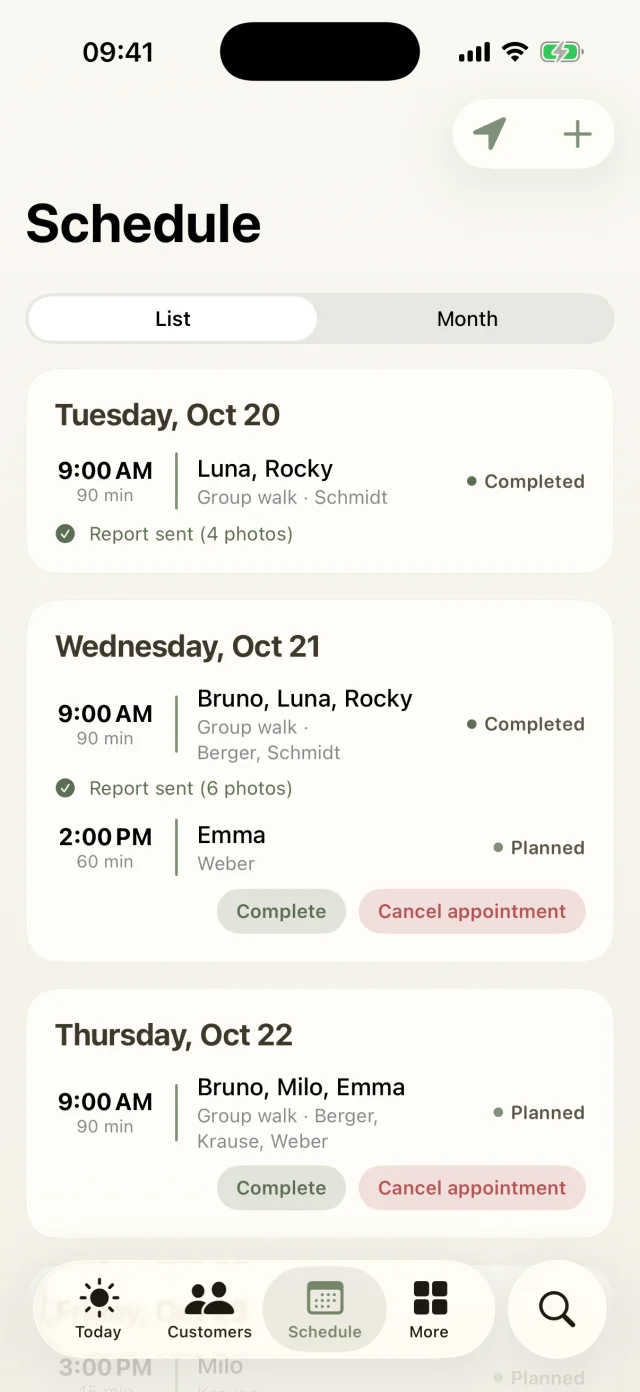
The Schedule tab shows all walks as a list or in a monthly calendar. Days with appointments are marked, and tapping an appointment opens all the details. Use + to add a new solo or group walk and pick the dogs.

Fixed subscription days from package bookings show up automatically in the day plan on your Today screen.

I don't get any reminders. What can I do?

Go to More → Settings → Notifications to see the status. If it says Disabled in iOS, tap iOS Settings and allow notifications.

Then switch each reminder on or off: the walk reminder (30 minutes, 1 or 2 hours before), boarding arrivals (24 hours before) and departures (at 8 am on the departure day).

Can I try everything with sample data first?

Absolutely. Under More → Membership switch on Admin demo (everything unlocked). You'll see sample customers with dogs, walks and invoices, and every feature is unlocked.

Important: the demo replaces your current data with the sample data. So it's best to try it before you add real customers, or to create a backup first. When you're done, tidy up with More → Settings → Data & backup → Delete all data. Your business details are kept.

Still have questions? Just write to us.

Behind Dog Walkers is a small team of dog lovers. We answer personally, usually the very same day.

A woman with red curls and glasses walks three leashed dogs through an autumn park.

Your pack
is waiting.

Try Dog Walkers free for a week. We're pretty sure you won't want to go without it afterwards. And if you do, canceling takes two taps.