How it works

Four steps and you're ready.

From the download to the paid invoice: here's how you get started with Dog Walkers. Most people are ready to go in a few minutes, and you can try everything safely in the demo first.

01

Download the app and take your time

Get Dog Walkers from the App Store and try everything for a whole week, completely risk-free. The demo shows you right away what your day with Bruno, Luna and friends could look like.

Then add your business name, your prices and your packages. It takes less than five minutes.

Keep scrolling
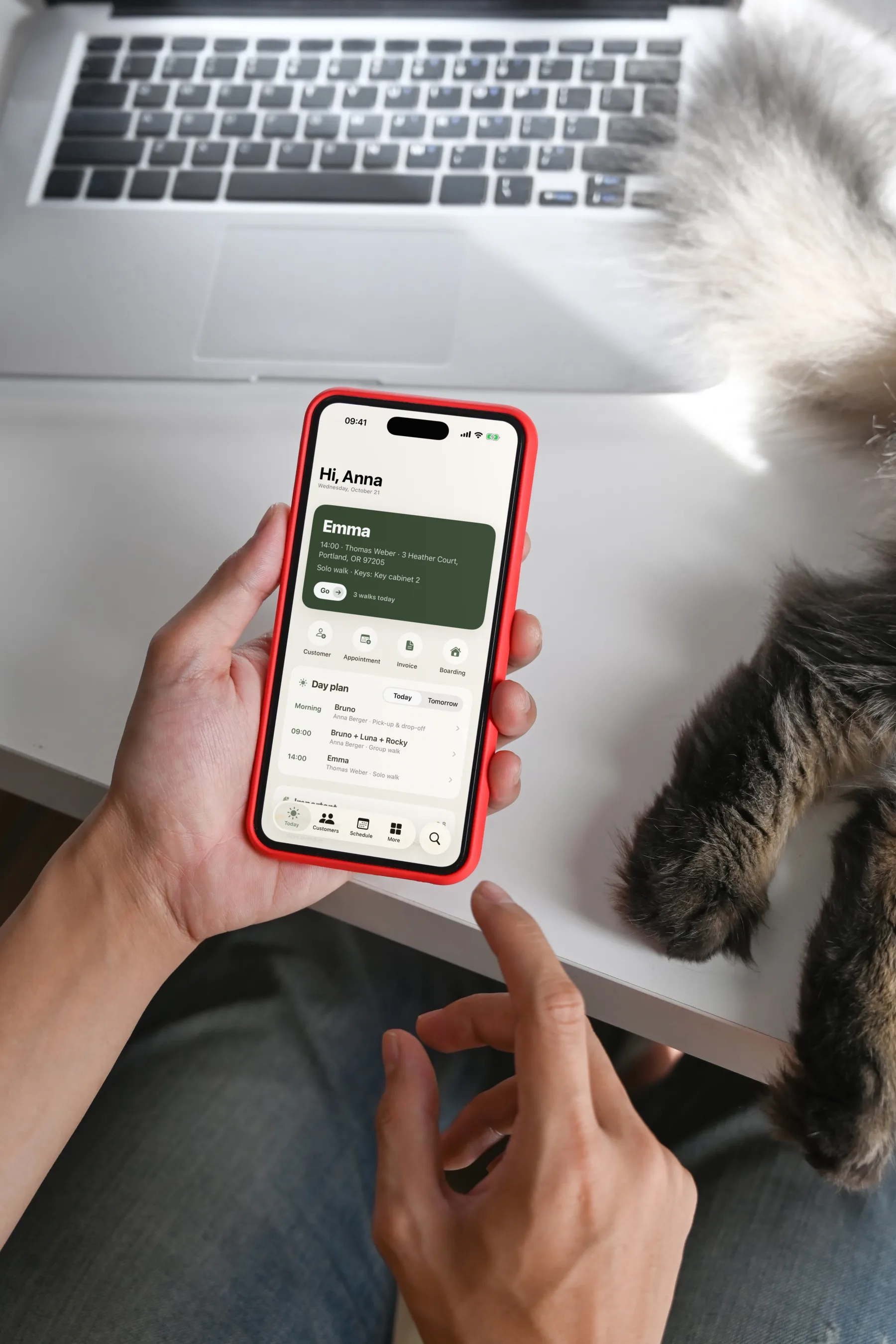
Hands holding an iPhone showing the Dog Walkers Today screen, next to a laptop and a cat's paws.
02

Invite clients, skip the typing

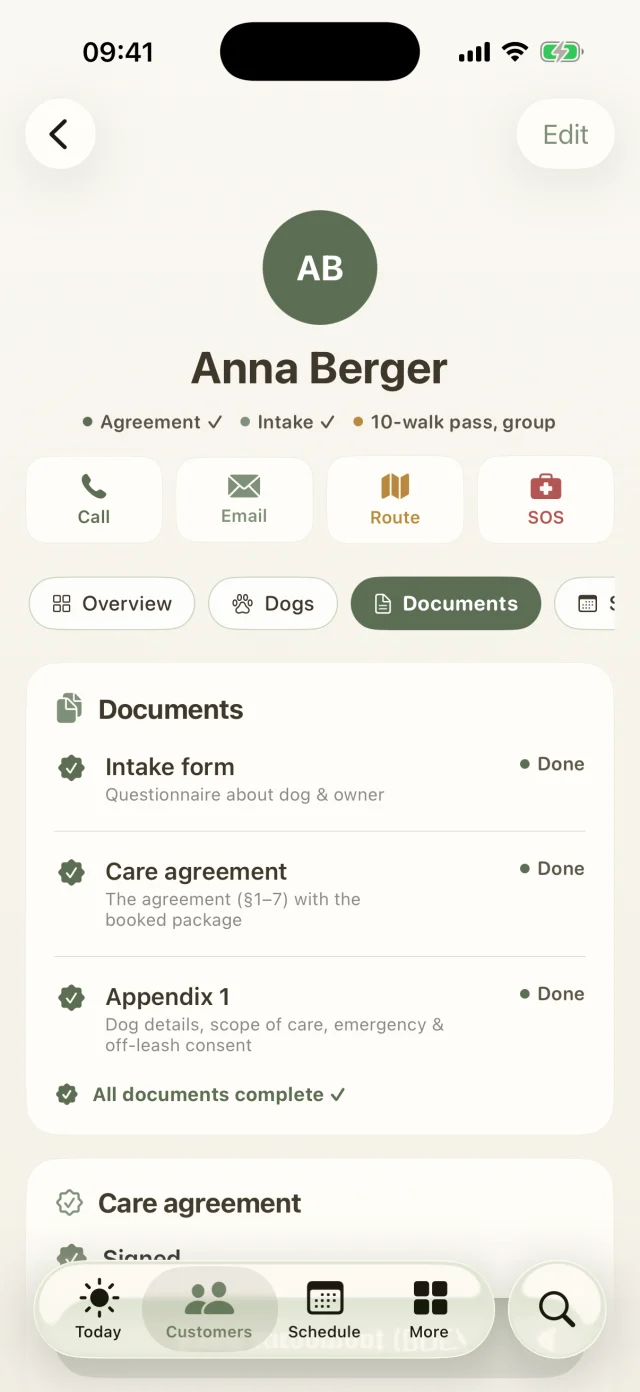
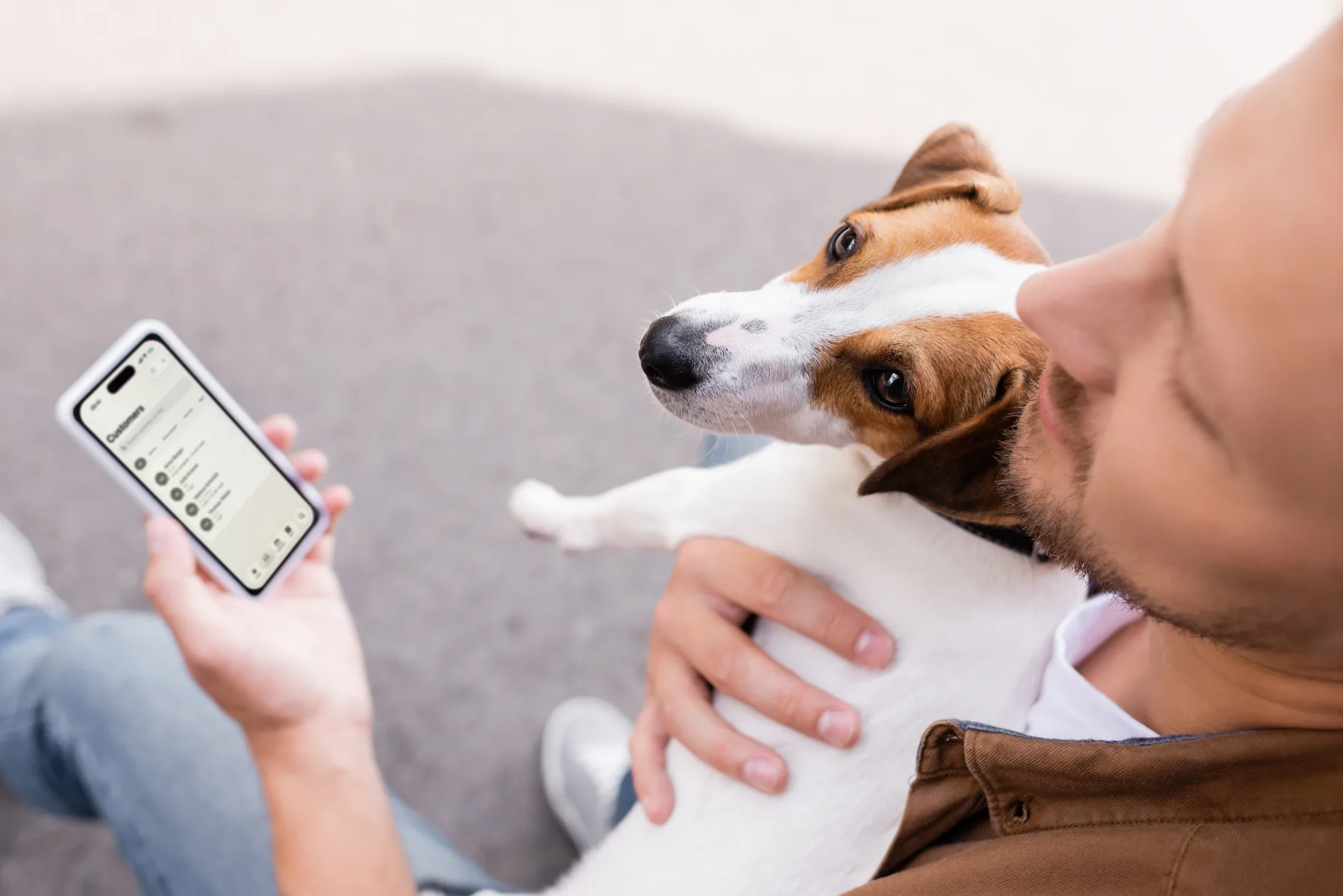
Just enter their email address. Your clients fill in the intake form for their dog themselves, book their package online and sign the care agreement with a fingertip.

Everything lands in the client file automatically, and you can see at a glance what's still missing.

Keep scrolling
A man holds his Jack Russell in his arm, with the Dog Walkers client list open on his iPhone.
03

Plan your walks and head out

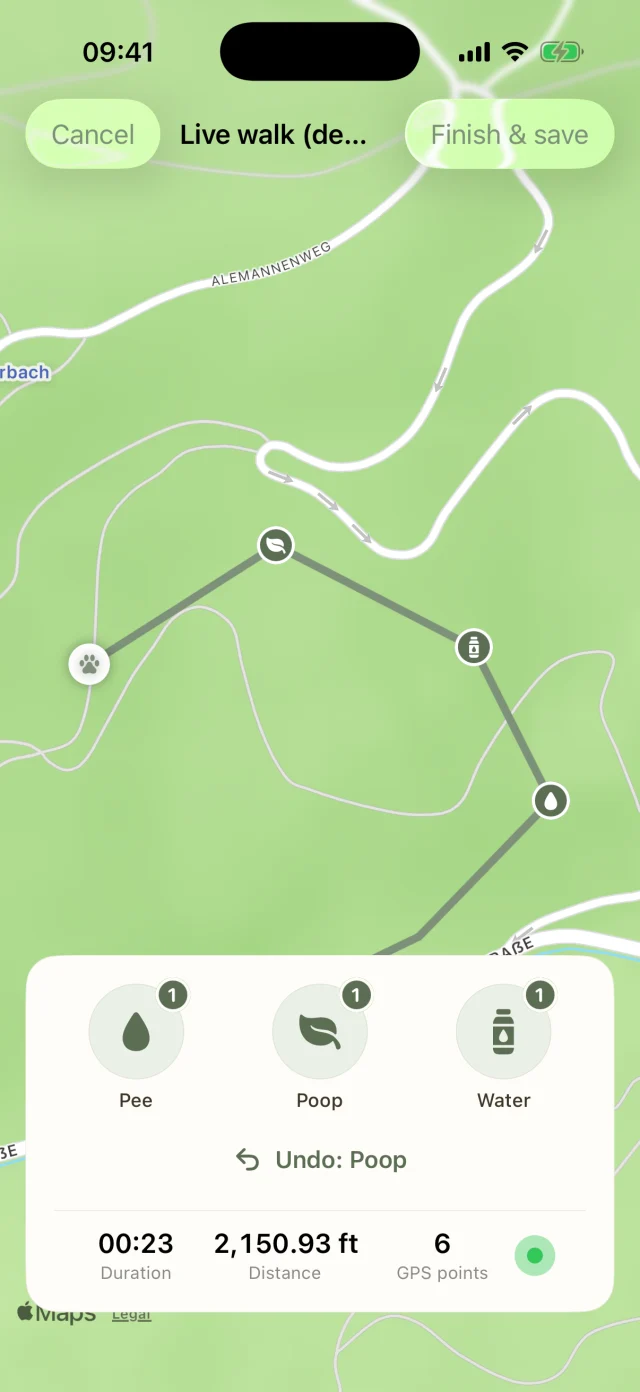
Each morning your daily plan shows who you're picking up when, where the key is and whether it's going to rain. On the go, you record the walk with GPS. Owners can watch live when you send them the link.

Back home, the app writes the walk report for you, and you send it off with photos.

Keep scrolling
A dog walker, seen from behind, walks through a sunny park with seven dogs on leashes.
04

Billing that happens by itself

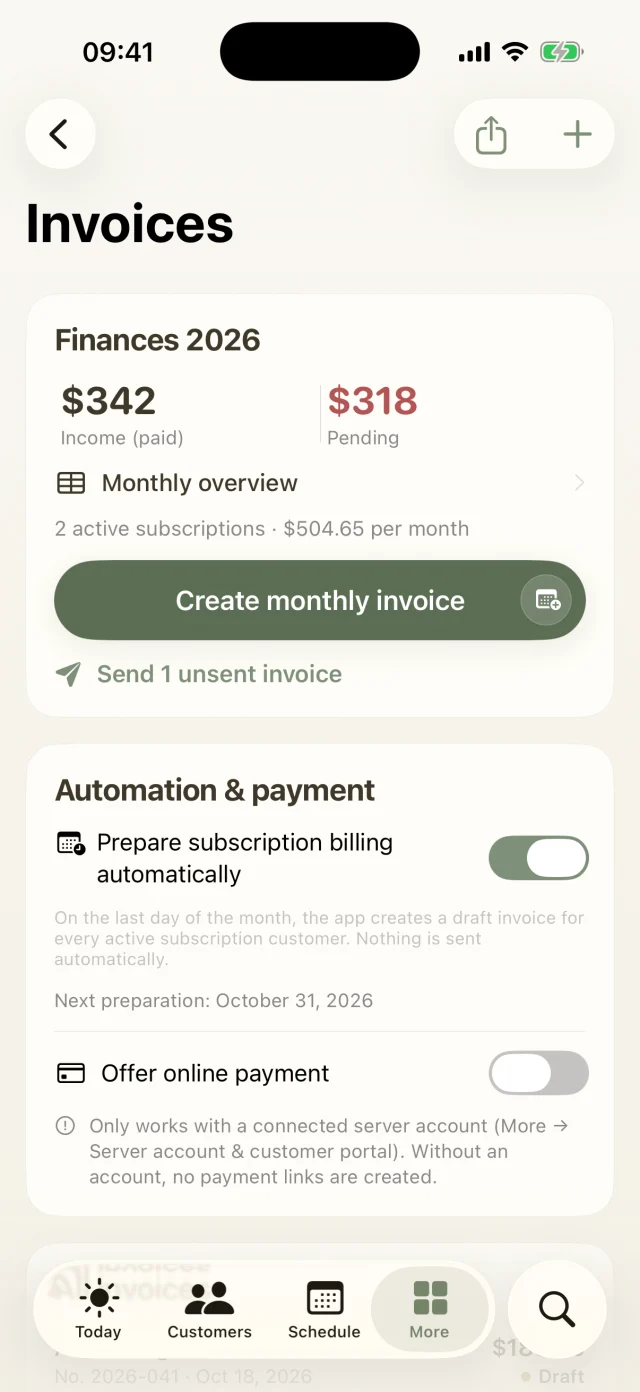
At the end of the month, Dog Walkers drafts an invoice for every subscription. You give them a quick check and send them all with one tap. If you like, with a payment link for card, Apple Pay or SEPA.

If an invoice goes unpaid, the app gently reminds you when it's time for the next reminder stage.

Invoices in Dog Walkers: income, outstanding amounts, monthly billing and subscription automation.

What you need

Not much. You can use everything free for a week, and your data stays put if you carry on afterwards.

  • An iPhone or iPadRight now Dog Walkers is available for iPhone and iPad. We're working on an Android version.
  • Your Apple IDChoose your plan in the app and confirm with your Apple ID. The first 7 days are free.
  • Your business detailsName, address, tax number and bank details. These appear on your invoices and contracts.
  • Your pricesWalk prices, second-dog surcharge and pick-up & drop-off service. You set up packages and subscriptions under online package booking.
  • A server account, if you likeFor sync and the client portal, you can choose to connect a server account. Email invitations run through it and are included from Pro up.
  • For your clients: just a browserThey don't need an app. The client portal and the live link work in any browser.

Your first week

How to get the most out of your free trial.

  1. Try it with sample dataUnder More → Membership, turn on the admin demo to see sample clients with dogs, walks and invoices. Ideally before you add real clients.
  2. Set up your businessUnder More → Business details, prices & templates, add your details and prices. It takes less than five minutes.
  3. Allow notificationsCheck under More → Settings → Notifications that notifications are allowed. Otherwise your walk reminders won't reach you.
  4. Invite your first clientsIn the Customers tab, tap + and add them yourself or invite them by email.
  5. Go on your first walkPlan the appointment, head out and send the walk report with photos afterwards.
  6. Stay or cancelIf you cancel at least 24 hours before the trial ends, you won't be charged. Otherwise your subscription simply continues.

Questions about getting started

You'll find even more answers in the Help Center.

How do I set up my business?

After installing, the app walks you through the essentials. You can change everything later:

  1. Open More → Business details, prices & templates and enter your name, address, tax ID and bank details. They appear on your invoices and contracts.
  2. In the same place, set your walk prices, the second-dog surcharge and your pick-up and drop-off service. Packages and subscriptions live under Online package booking.
  3. Check More → Settings → Notifications to make sure notifications are allowed. Otherwise no walk reminders will reach you.

Good to know: your business address is also the starting point when the app later works out the best order for your tours.

Can I try everything with sample data first?

Absolutely. Under More → Membership switch on Admin demo (everything unlocked). You'll see sample customers with dogs, walks and invoices, and every feature is unlocked.

Important: the demo replaces your current data with the sample data. So it's best to try it before you add real customers, or to create a backup first. When you're done, tidy up with More → Settings → Data & backup → Delete all data. Your business details are kept.

How do I add my first customers?

In the Customers tab, tap + at the top right. You have two options:

  • Create manually: you enter the contact and dog yourself.
  • Invite by email: you only type the email address. Your customers fill in contact, dog and health details online and sign digitally. Once they're done, tap Fetch data now in the customer profile and the file is complete.

Invitations run through the customer portal, so you need a server account and at least the Pro plan.

How many customers can I add?

Up to 15 on Starter, up to 75 on Pro and as many as you like on Business. When your pack grows, just switch plans. All your data stays exactly where it is.

Still have questions? Just write to us.

Behind Dog Walkers is a small team of dog lovers. We answer personally, usually the very same day.

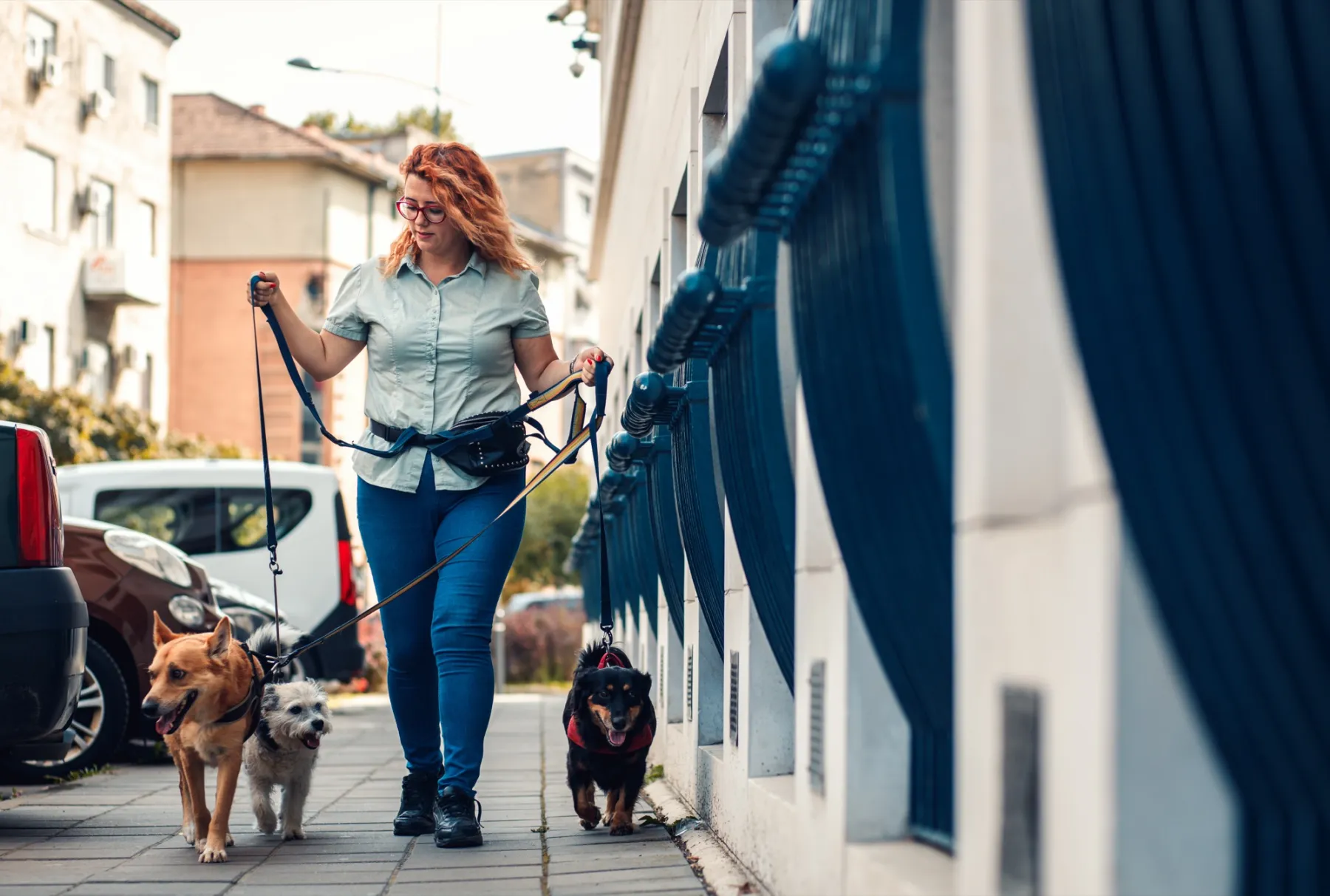
A woman with red curls and glasses walks three leashed dogs through an autumn park.

Your pack
is waiting.

Try Dog Walkers free for a week. We're pretty sure you won't want to go without it afterwards. And if you do, canceling takes two taps.