12All plans

Feels like Apple. Because it's built that way.

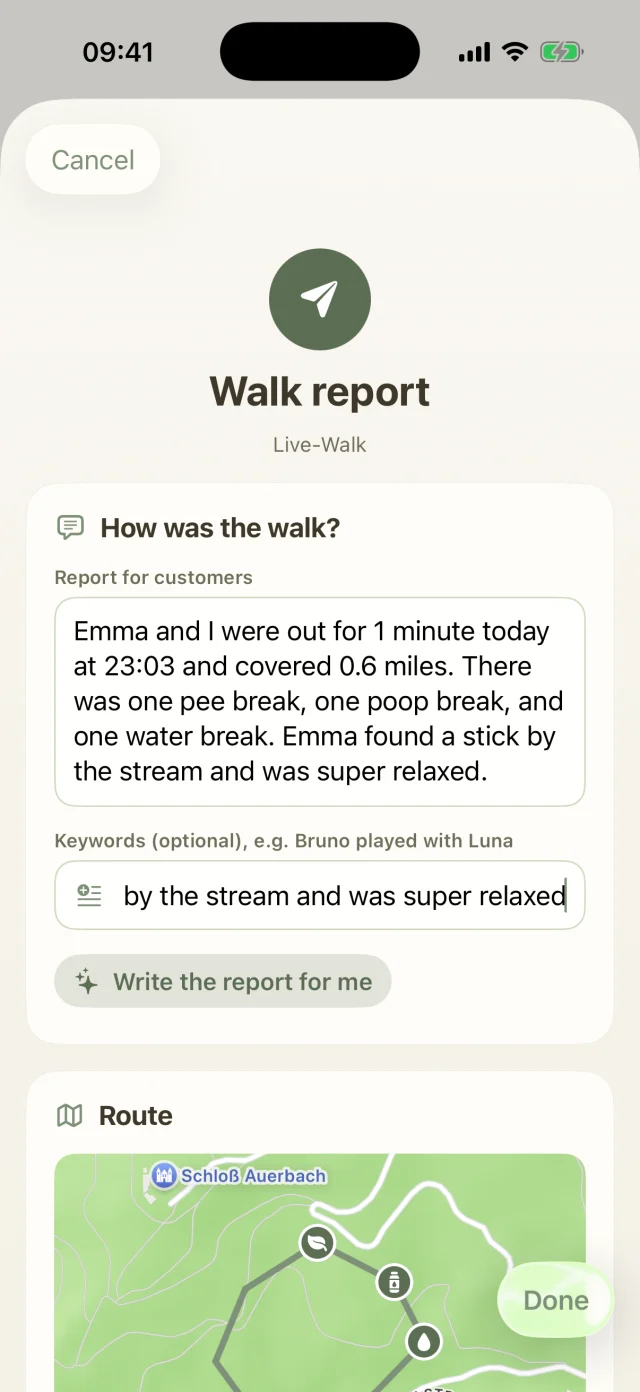
Dog Walkers is a real iPhone app, not a website dressed up as one. That's why it uses everything your iPhone can do.

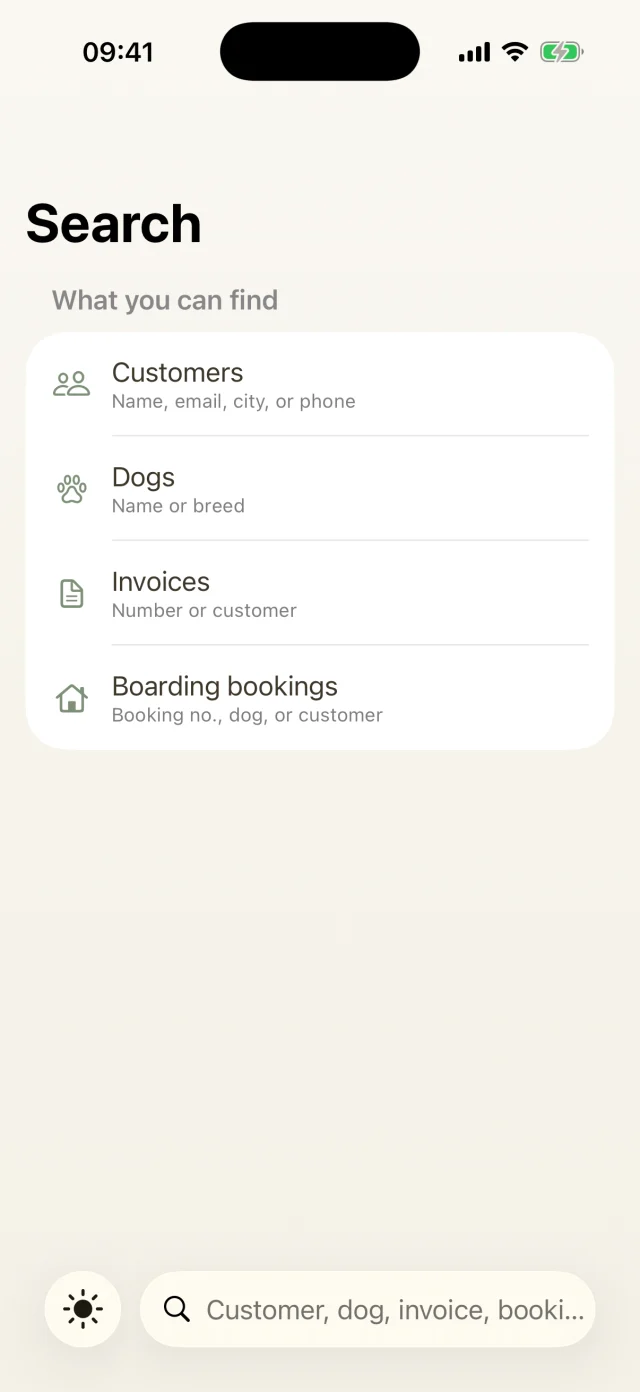
Global search across clients, dogs, invoices and boarding bookings.
Made for iPhone

What's inside

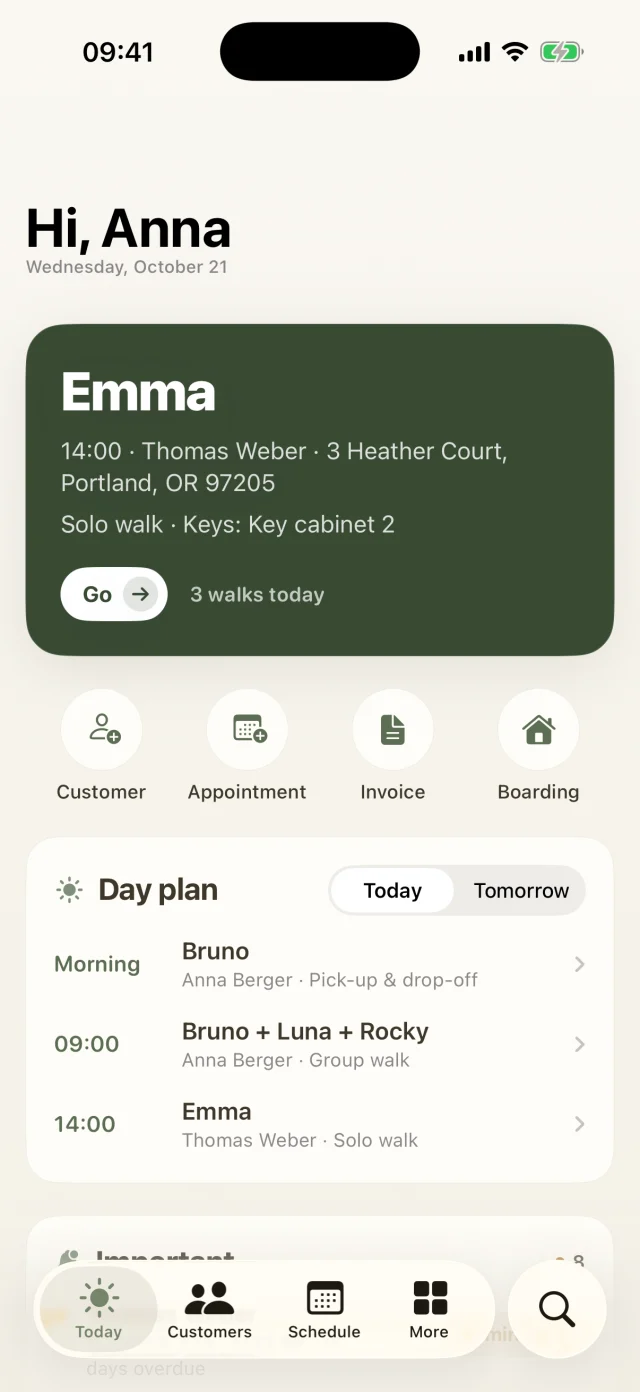
  • WidgetsYour next walk on the Home Screen and your progress on the Lock Screen.
  • Siri and Shortcuts“Who's on today in Dog Walkers?” Siri tells you which dog is up next and starts the walk if you want.
  • One search for everythingClients, dogs, invoices, appointments and bookings. The app remembers your recent searches.
  • Face ID and backupLock the app with Face ID and back up your data to a file with one tap.
  • Your language, your currencyEnglish, German, French, Dutch, Swedish and Danish, plus dollars, euros, pounds and more. Dates, units and weather adapt to your region.
Good to know

The most common questions on this topic. You'll find even more answers in the Help Center.

Which widgets are there?
  • Next walk for the Home Screen (small and medium): the next dog with time, customer and your progress for the day.
  • Walks today for the Lock Screen: how many walks are on today and how many are done.

To add one, long-press an empty spot on your Home Screen or Lock Screen, tap Edit or Customize and search for Dog Walkers. Tapping the widget takes you straight to your Today screen.

What can I ask Siri?
  • “Who's on today in Dog Walkers?” Siri tells you how many walks are on today, how many are done and who's next.
  • “Next walk in Dog Walkers” tells you the next open walk.
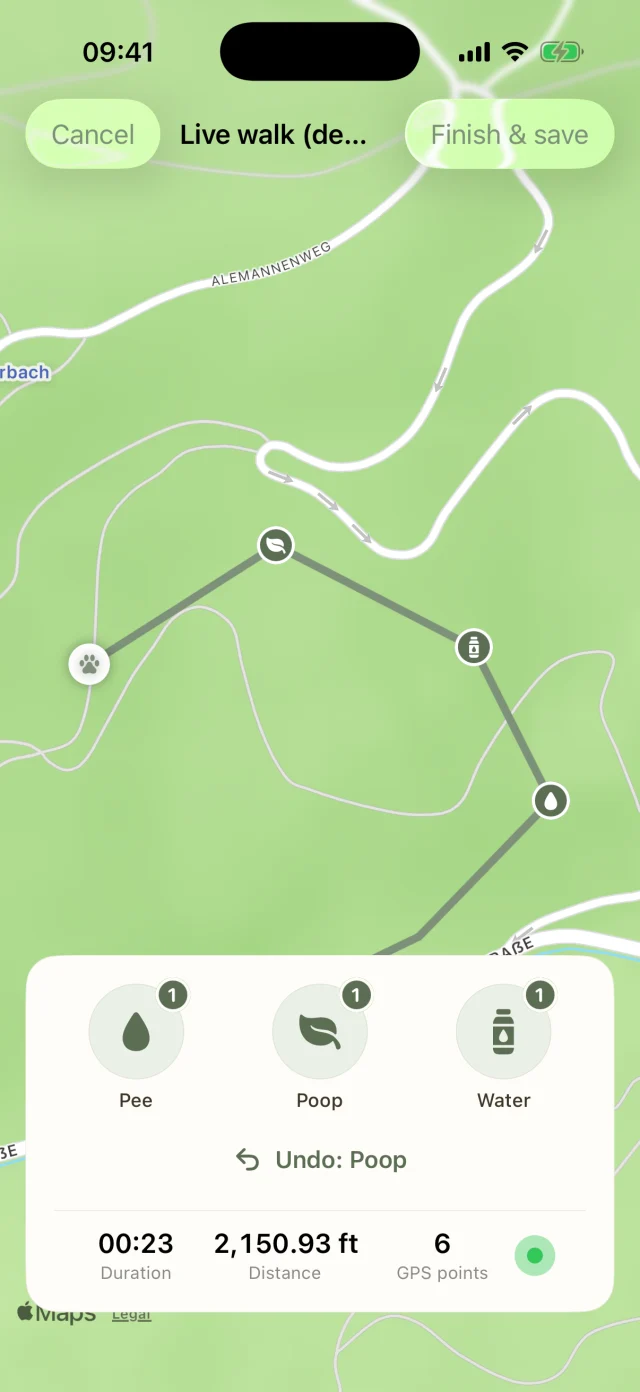
  • “Start a walk with Dog Walkers” opens the app and starts a live walk. Available from Pro.
  • “New appointment in Dog Walkers” opens the Schedule tab so you can get going right away.

You'll also find all of them in the Shortcuts app, where you can combine them with your own automations.

Can I protect the app from prying eyes?

Yes. Under More → Settings → Security switch on Lock app with Face ID. The app then locks whenever you leave it and opens again with Face ID, Touch ID or your device passcode.

How do I back up my data?
  1. Open More → Settings → Data & backup and tap Create backup (JSON).
  2. With Share backup you save the file to iCloud Drive or Files, or email it to yourself.
  3. To restore, choose Import backup. Careful: Import & replace overwrites your current data completely.

With a server account your data can also be restored via Restore from server (new device).

Still have questions? Just write to us.

Behind Dog Walkers is a small team of dog lovers. We answer personally, usually the very same day.

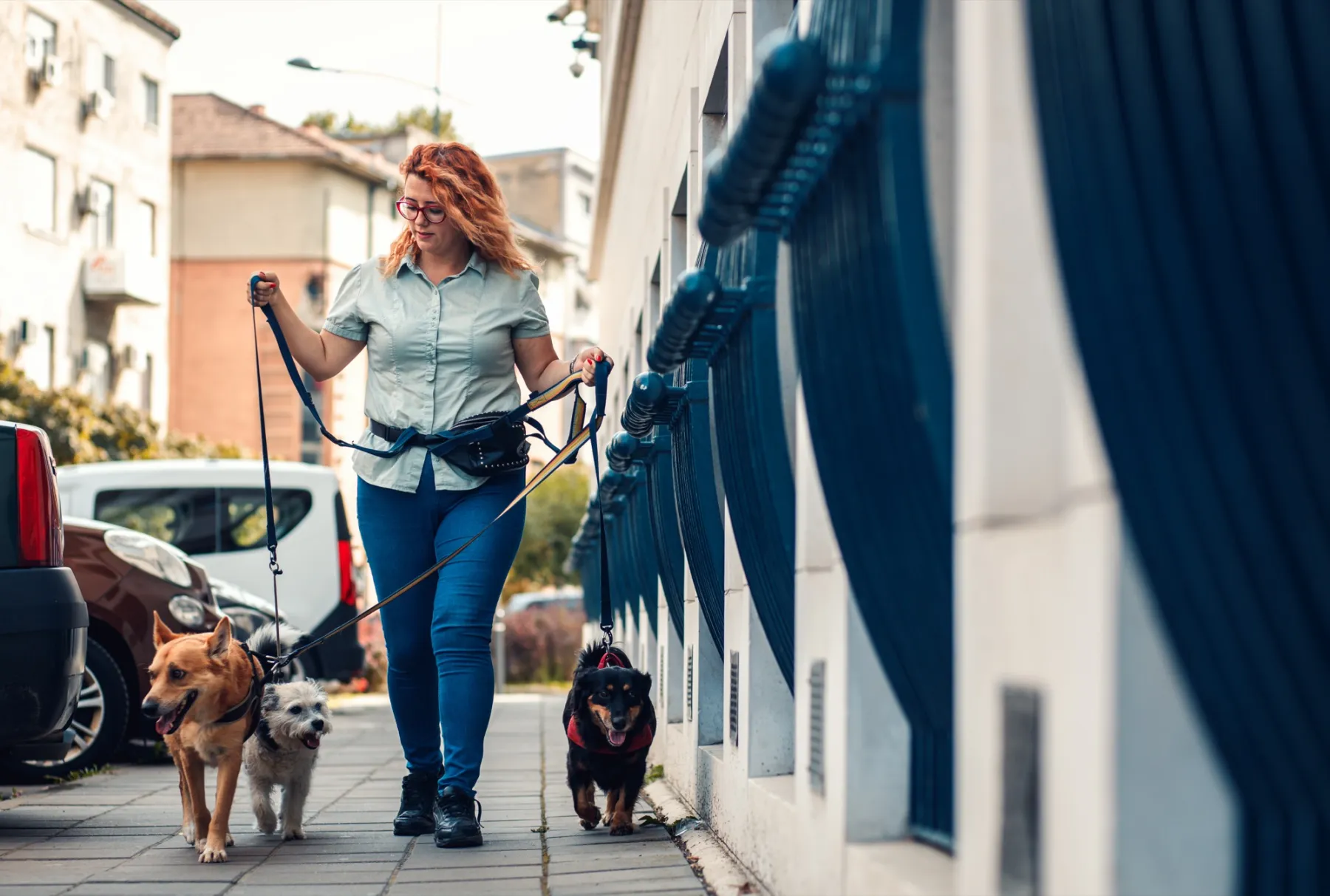
A woman with red curls and glasses walks three leashed dogs through an autumn park.

Your pack
is waiting.

Try Dog Walkers free for a week. We're pretty sure you won't want to go without it afterwards. And if you do, canceling takes two taps.